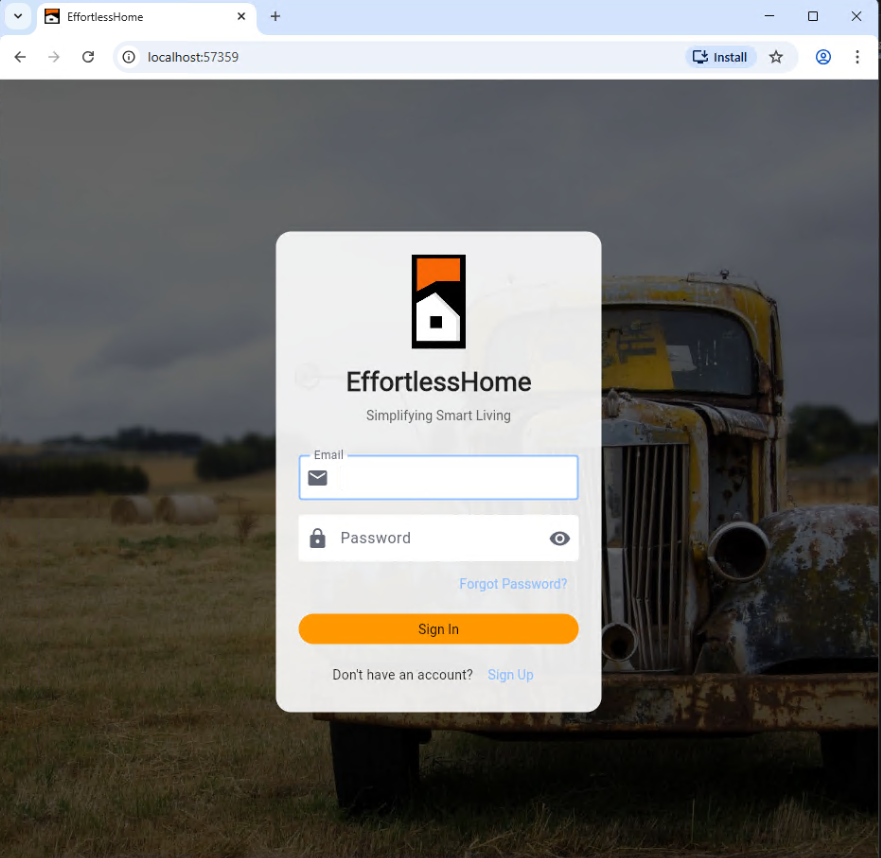
Get Started with Smart Home Automation

Complete installation guide for EffortlessHome smart home automation system. Learn how to set up Home Assistant integration, configure security, and create intelligent automations step-by-step.

EffortlessHome Setup Guide

System Requirements

home
Home Assistant
Version 2024.1 or later required for full compatibility with EffortlessHome features.
public
Internet Connection
Active internet connection needed for cloud features, remote access, and Matter integration.
account_circle
EffortlessHome Account
Create an account at My EffortlessHome to access cloud features and unified app experience.

Installation Process

account_circle
Step 1
Create an Account
Before installing the integration, you need an EffortlessHome account.
extension
Step 2
Install via HACS (Recommended)
Add EffortlessHome to your Home Assistant through the Home Assistant Community Store.
  • • Open HACS in Home Assistant
  • • Add Repo: https://github.com/effortlesshome/effortlesshome
  • • Search for EffortlessHome
  • • Click Download
  • • Restart Home Assistant
settings
Step 3
Configure Integration
Connect EffortlessHome to your Home Assistant instance.
  • • Navigate to Settings → Devices & Services
  • • Click Add Integration
  • • Search for EffortlessHome
  • • Sign in with your EffortlessHome account credentials
cloud
Step 4
Install EffortlessHome Cloud Add-on
Enable cloud features, Matter integration, and remote access.
  • • Navigate to Settings → Add-ons → Add-on Store
  • • Click the (three dots) in the top right
  • • Select Repositories
  • • Add: https://github.com/EffortlessHome/effortlesshome_addon
  • • Find EffortlessHome Cloud and click Install
settings
Step 5
Configure the Add-on
Set up the cloud add-on for secure remote access.
  • • Go to the Configuration tab
  • • Enter your EffortlessHome credentials
  • • Click Save
  • • Start the add-on
code
Step 6
Add Configuration
Update your Home Assistant configuration for full functionality.
Important Restart Required

Configuration Details

1

Add to configuration.yaml

Add the following configuration to your Home Assistant configuration.yaml file:

http:
  use_x_forwarded_for: true
  trusted_proxies:
    - 192.168.1.0/24 (replace with your local network range)
  cors_allowed_origins:
    - https://dash.effortlesshome.co

homeassistant:
  allowlist_external_dirs:
    - /media
    - /config/www/effortlesshome

panel_custom:
  - name: effortlesshome-config-panel
    sidebar_title: EffortlessHome Config
    sidebar_icon: mdi:alpha-e-box-outline
    url_path: effortlesshome-config-panel
    module_url: /local/effortlesshome/config-panel.js

  - name: effortlesshome-area-panel
    url_path: effortlesshome-area-panel
    module_url: /local/effortlesshome/area-panel.js

  - name: effortlesshome-label-panel
    url_path: effortlesshome-label-panel
    module_url: /local/effortlesshome/label-panel.js
2

Restart Home Assistant

After adding the configuration, restart Home Assistant for changes to take effect.

Required Step
3

Access Dashboard

Once started, the dashboard is accessible

EffortlessHome dashboard: https://dash.effortlesshome.co

Web Interface

Mobile Apps & Downloads

branding_watermark
iOS and Mac OS
Join our beta program via Apple TestFlight for the latest features and updates.
Join TestFlight
tv
Apple TV
Control your smart home from your living room with our Apple TV app.
Join TestFlight
android
Android
Available on Google Play Store Beta for Android users.
Google Play Beta
window
Windows
Download EffortlessHome to manage your smart home from your desktop.
Download Windows

What's Next?

deployed_code
Deploy Blueprints
Install the default blueprint pack to get started with pre-configured automations.
location_on
Configure Areas
Set up your home areas and assign devices for intelligent, location-based automation.
label
Set Labels
Organize your devices with labels for better management and automation targeting.
security
Security System
Configure your security system and alarm modes for comprehensive home protection.
router
Matter Integration
Connect Matter devices through the Matter Hub for universal compatibility.
smartphone
Mobile Setup
Install and configure the mobile apps for seamless control from anywhere.

Need Help?

description
Documentation
Comprehensive guides and API documentation for all EffortlessHome features.
View Docs
bug_report
Report Issues
Found a bug or need help with troubleshooting? Report it to our development team.
Report Issue
support_agent
Professional Support
Custom consulting and support services for advanced configurations and troubleshooting.
Get Support